
USPSA Registration
Whether you’re a team, athlete, staff member, or referee, this is your one-stop resource for registration. Follow the steps below to ensure your registration is complete and up-to-date each season.
Whether you’re a team, athlete, staff member, or referee, this is your one-stop resource for registration. Follow the steps below to ensure your registration is complete and up-to-date each season.


Team representatives should register their team in PowerHub each season. You will also be responsible for insurance and registration fees. This can be completed at any time, but your team's registration status will not be complete until:
Check out the Registration Guide PDF or Walkthrough Video for more information.
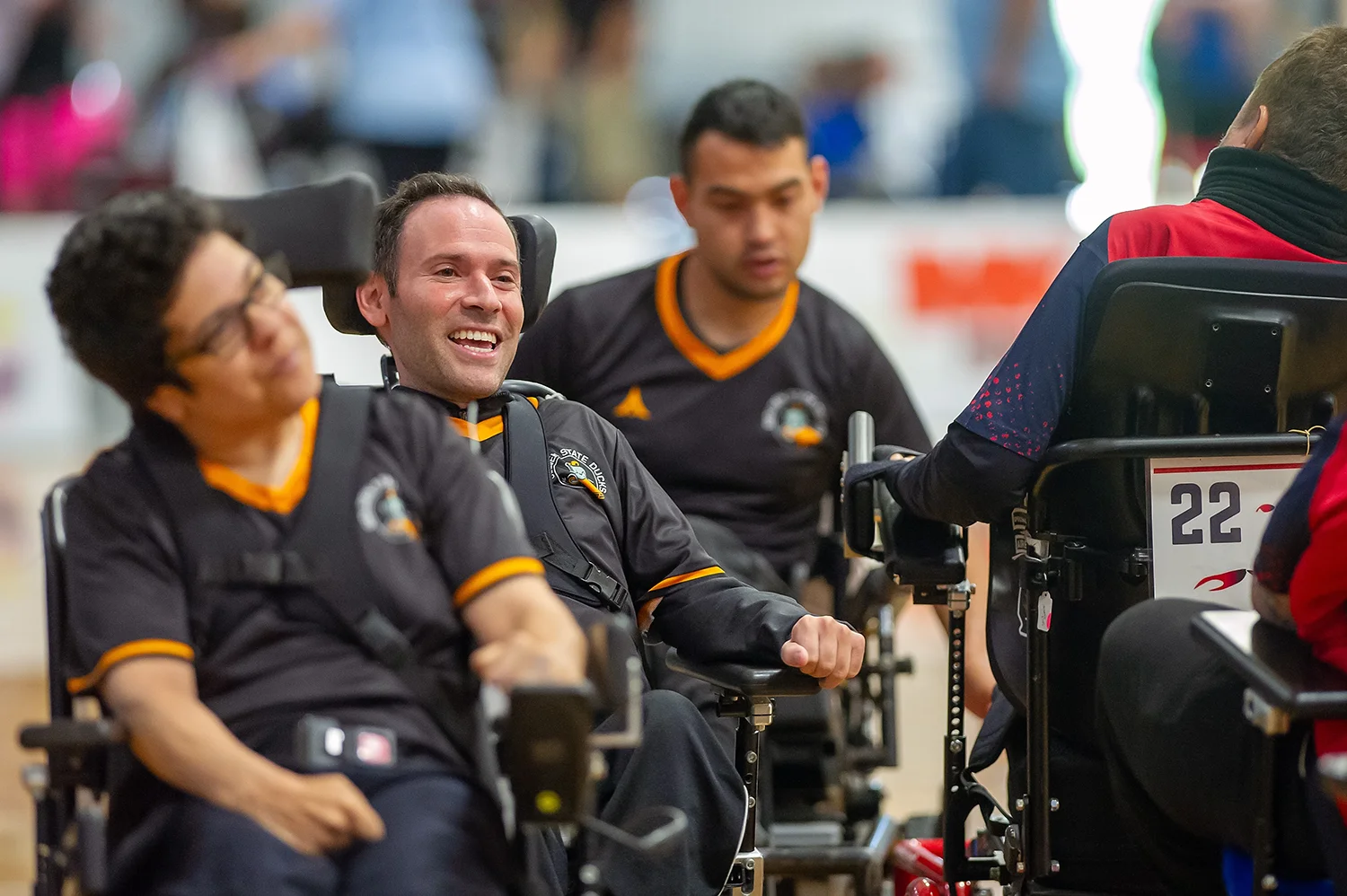
Registration will happen through PowerHub this year.
Adult athletes:
New this season: Adult athletes will also have to complete the Safe Sport training in the U.S. Soccer Learning Center. PowerHub will walk you through this process after your initial registration. You will not have to complete a background screening unless you are also team staff (see Staff Registration below for more info).
Athletes with legal guardians:
Registration for athletes who are under 18 (or are not their own legal guardian) must be completed by their parent/guardian. The guardian must have their own login information. Athletes who are 13+ years old may have their own PowerHub account that is linked to their guardian.
Check out the Registration Guide PDF or Walkthrough Video for more information.

Registration will happen through PowerHub. As in previous years, you will review and sign the waiver and Code of Conduct. Head coaches have the ability to manage their rosters to see which athletes and staff have registered for their team. During this first season using PowerHub for registration, there may be a need to validate join requests for athletes.
Check out the Registration Guide PDF or Walkthrough Video for more information on registering as team staff.
Safe Sport / Background Checks:
We are integrating with U.S. Soccer's Learning Center for Safe Soccer training and background checks.
Background Screening Requirements: Recent background screenings are required for all adult team staff.
Important Note on Free Screenings: It may take a few days after joining the USPSA Group in the Learning Center and completing the rest of your PowerHub registration before your clearance status updates and you are added for the subsidized background screening. If prompted to pay for this screening, please make sure you have joined the USPSA group and try again after a couple of days. Do not pay for this screening yourself, as you may not be eligible for reimbursement.
For help navigating the U.S. Soccer Learning Center, check out this video tutorial or contact George for more assistance.

Registration will happen through PowerHub. Referees will be required to submit proof of insurance. You may purchase this liability insurance through USPSA for $27 during the registration process. This year, the usual $25 registration fee has been waived.
To be eligible to referee matches this season, you must be fully registered including:
Check out the Registration Guide PDF or Walkthrough Video for more information on registration.
Safe Sport / Background Checks:
We are integrating with U.S. Soccer's Learning Center for Safe Soccer training and background checks.
Background Screening Requirements: Recent background screenings are required for all referees.
Important Note on Free Screenings: It may take a few days after joining the USPSA Group in the Learning Center and completing the rest of your PowerHub registration before your clearance status updates and you are added for the subsidized background screening. If prompted to pay for this screening, please make sure you have joined the USPSA group and try again after a couple of days. Do not pay for this screening yourself, as you may not be eligible for reimbursement.
For help navigating the U.S. Soccer Learning Center, check out this video tutorial or contact George for more assistance.
